Tutorial
The Manage My Groups tool allow user to create a set of stays that are unique to their workflow. Groups can be created, edited and deleted at any time by the user.
Creating Groups
-
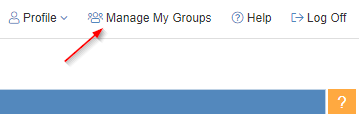
Navigate to Manage My Groups in the top right corner
-
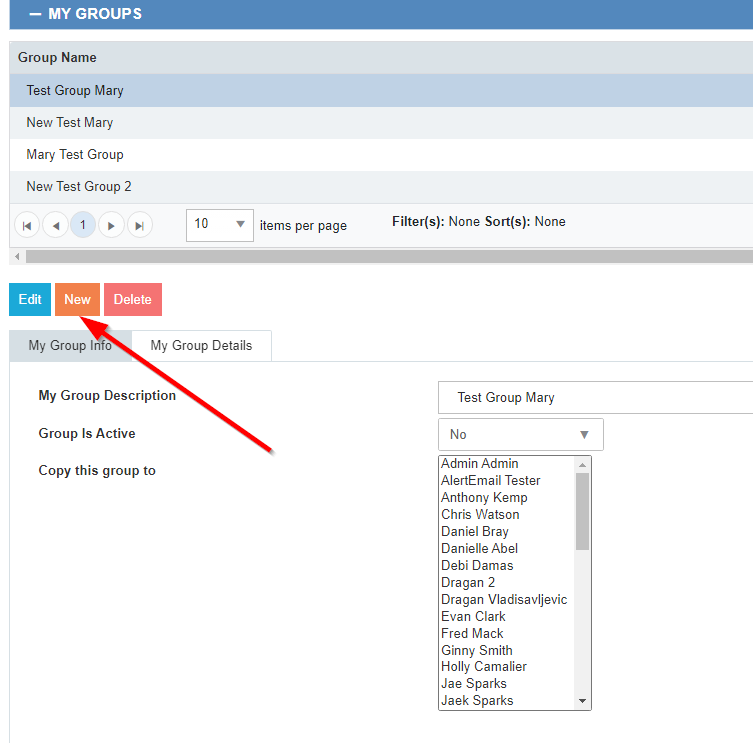
Select New
-
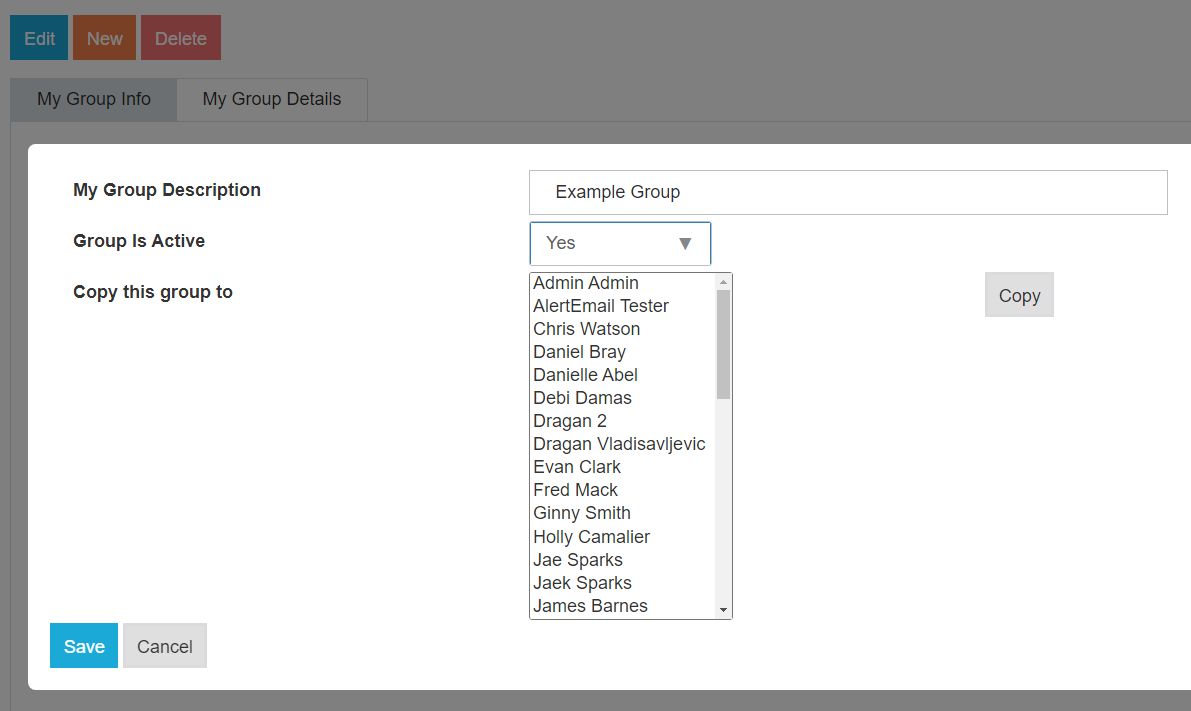
Create a name for the group in My Group Description
-
Group is Active should be selected as Yes
-
At this time, the user selection and copy feature are not functional
-
Select Save
Adding/Removing Stays to Group
-
Select My Group Details tab
-
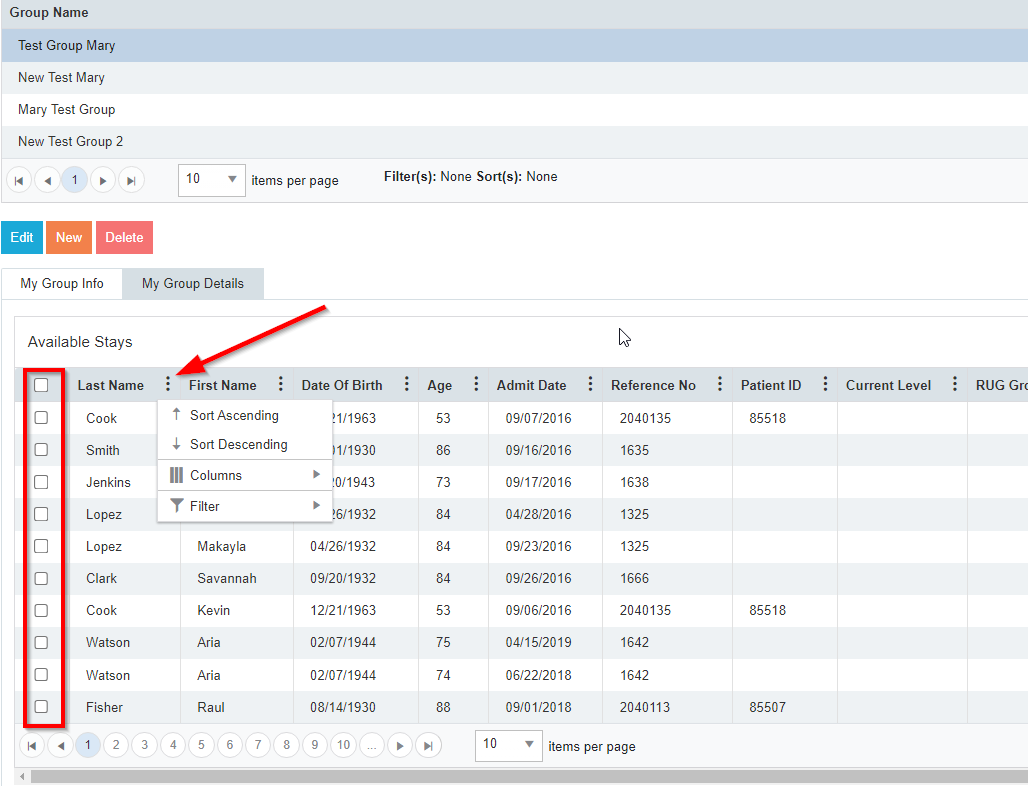
Patients are able to be selected by using the filters on each column or the selection boxes
-
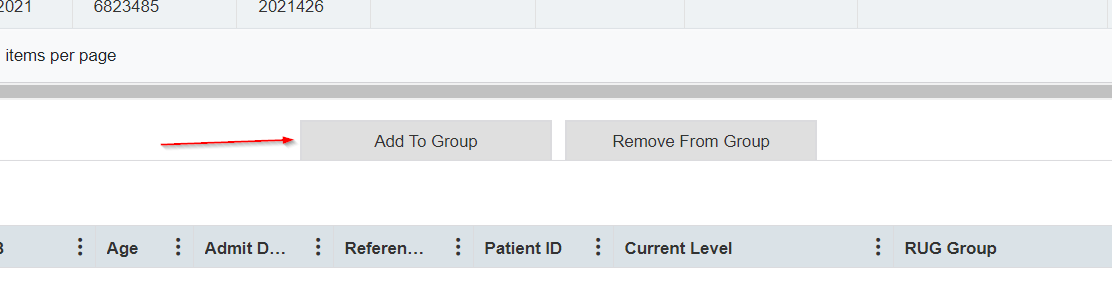
Select Add to Group
-
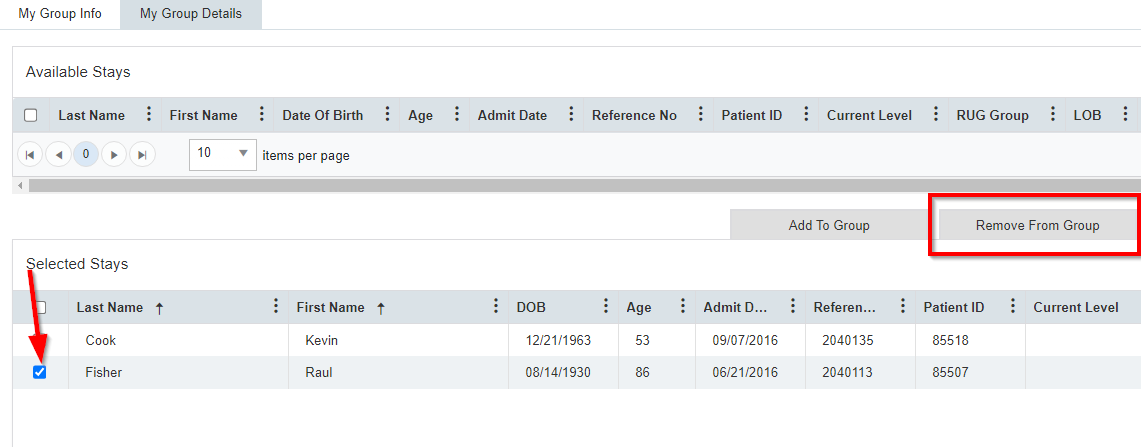
Select Remove from Group if you need to omit a patient
Viewing Groups
-
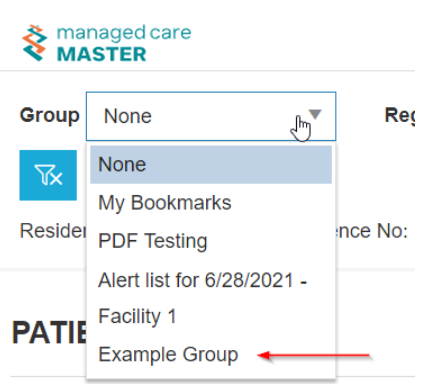
Navigate to Group on Admissions and/or Home Calendar
-
Select the desired group from the menu
-
Select Refresh