
-
A user invitation will be sent to the email on file
-
Navigate to Managed Care Master
-
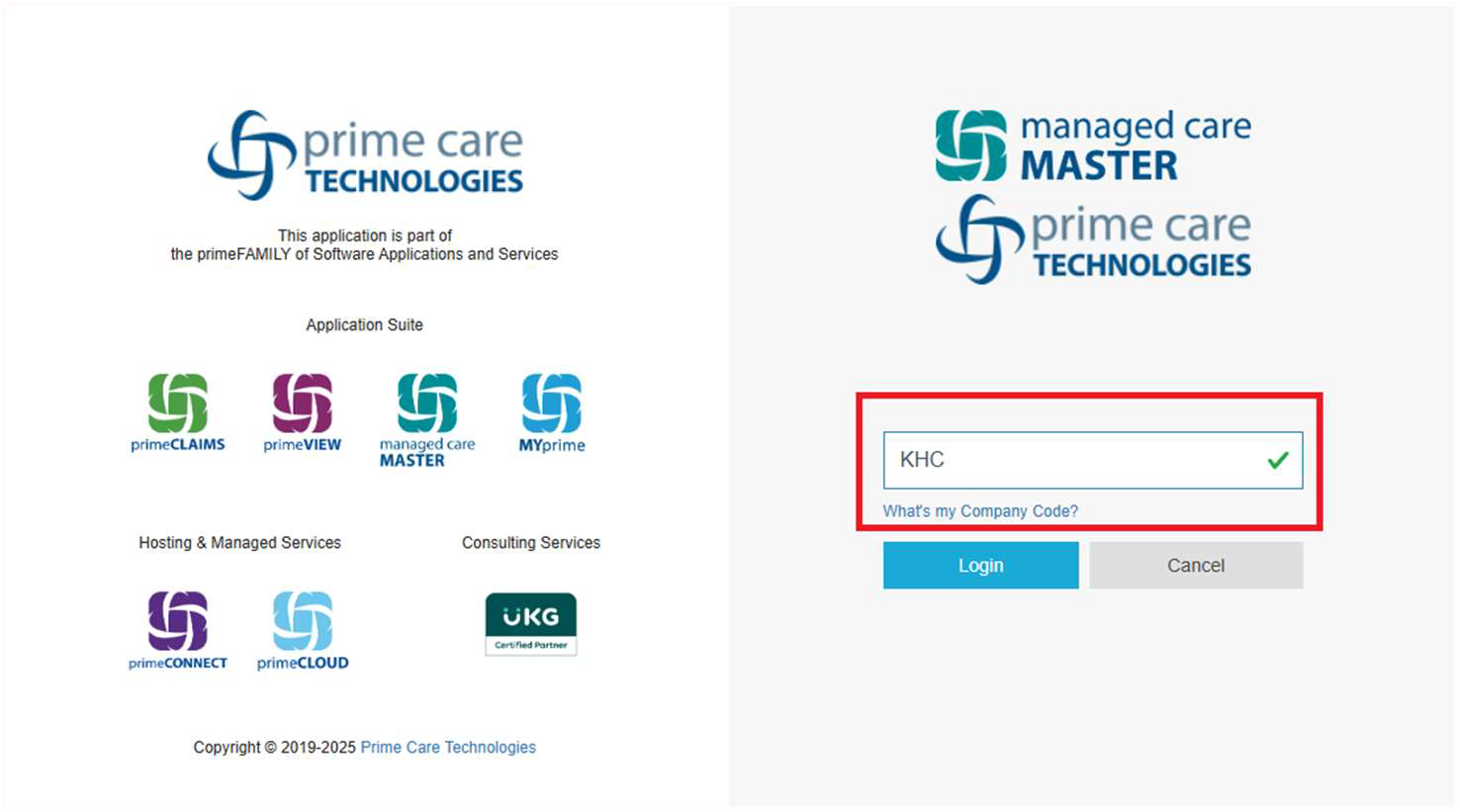
Enter your three character Company Code (e.g. KHC)
-
This code is assigned to your organization by Managed Care Master (e.g. KHC)
-
If you do not know your company code, please contact your manager or email: service@managedcaremaster.com
-
-
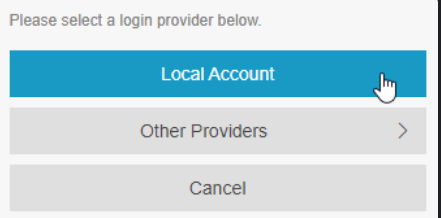
Select Local Account to enter your credentials
-
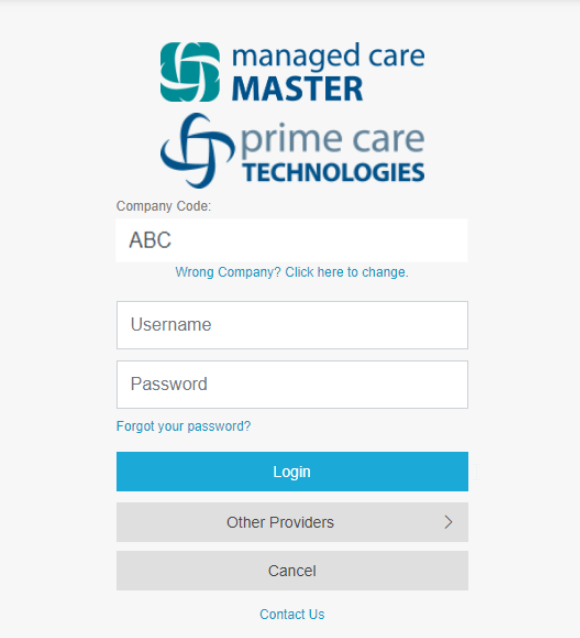
Enter your Username and Password
-
The Username is typically FirstnameLastname (no spaces)
If you do not have a username and password, please see this guide to log in using Microsoft 365.
If you should need any further assistance utilizing the application please email us directly at service@managedcaremaster.com