
Adding tiles in Admissions
-
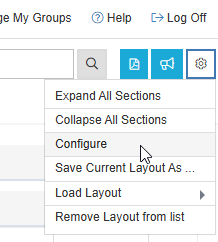
Navigate to the Settings icon, located in blue in the top right corner of the Admissions screen, and select Configure.
-
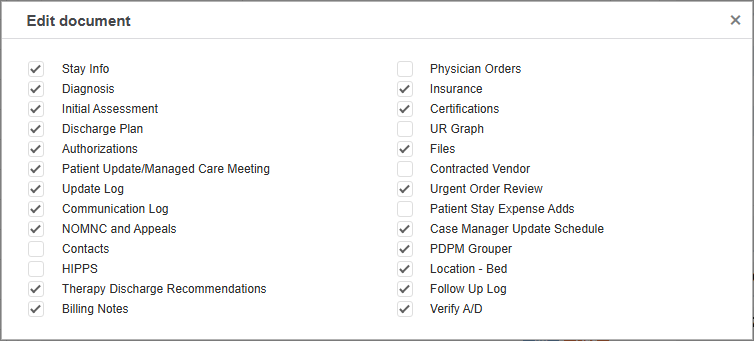
You can add and remove tiles by checking and unchecking the tiles in the list.
Admissions Screen Tile Repositioning
MCM allows you to reorganize your tiles in the Admissions screen and auto saves your layout.
You are able to drag and drop your tiles to where you want them to be. When you see the blue bar, release the tile, and it will save.
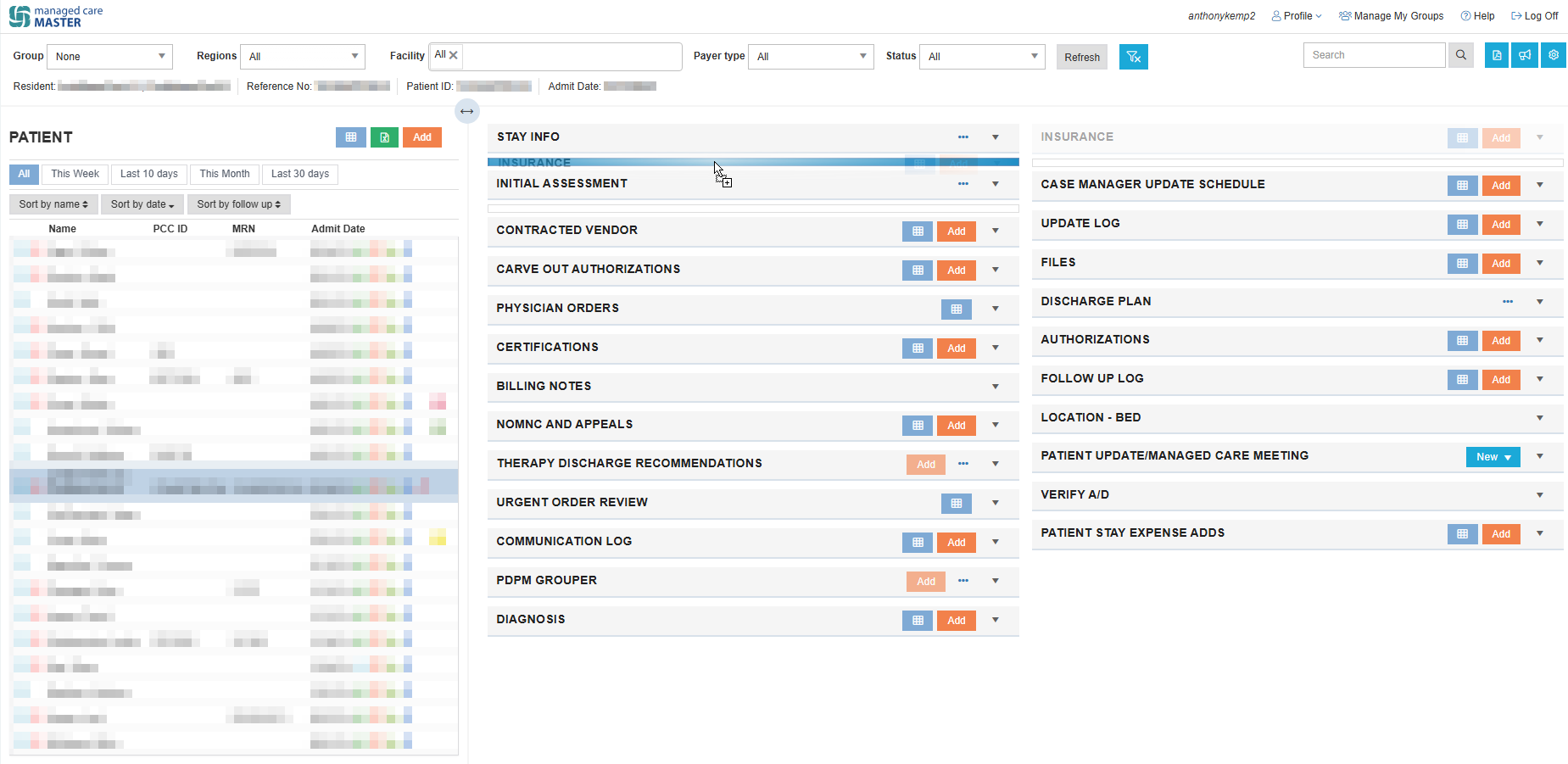
💡 Admissions screen tiles save in the open or closed position as you left them.